What a People Listing looks like
Your profile appears in the public People Listings directory, where communities search for talent by role and experience.

Be Found by the Right People
A complete profile gets discovered — the more detail you add, the better your chances.
Open My Listings and choose People Listing
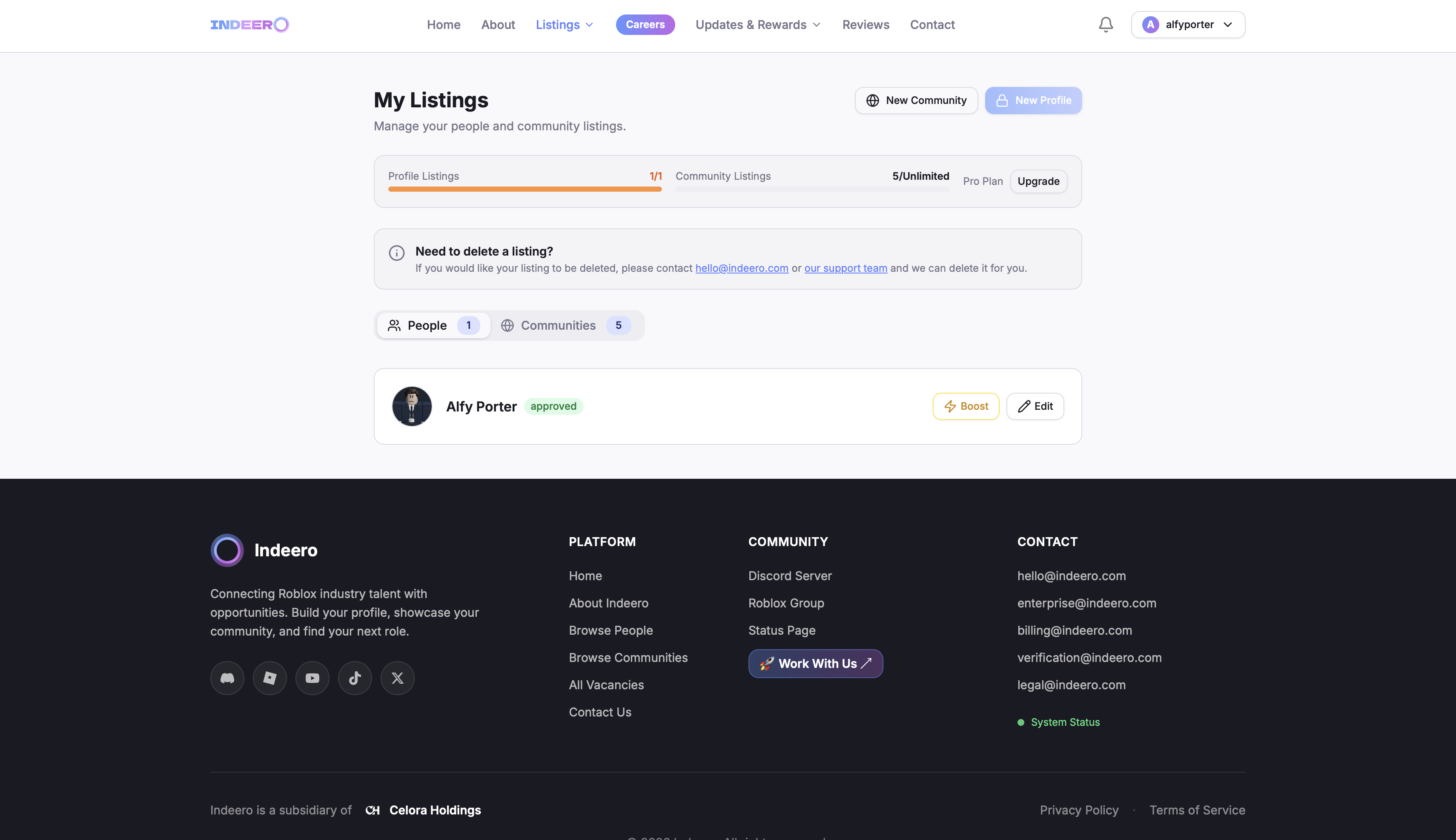
Sign in and go to My Listings, then click Create People Listing. Every account can hold one People Listing, which you can edit at any time.
Add your professional details
Fill in the core fields that appear at the top of your public profile:
- Full name — the name you want shown publicly.
- Profile picture — a clear headshot or avatar works best.
- Language spoken — the language you work in.
- Personal statement — a short introduction about you and what you do.
- Contact email (optional) — a public email so employers can reach you.
Link your Roblox and Discord accounts
Add your Roblox username and Discord username so communities can verify who you are. You can also add social links (TikTok, Instagram, Facebook, X, YouTube, LinkedIn) to build trust with recruiters.
Showcase your experience and qualifications
List your current experience (the companies you work with now) and previous experience, each with a role, industry and dates. Then add your qualifications & achievements, your hobbies & interests, and optionally upload a CV.
Set your availability
Toggle Available for work to show a green tag on your public profile — communities see at a glance that you're open to opportunities. Turn it off and the tag turns red.
Submit for review
Once submitted, your listing goes through our review process — usually within 72 hours. You can track its status from My Listings: Pending, Approved or Rejected with a reason you can act on.